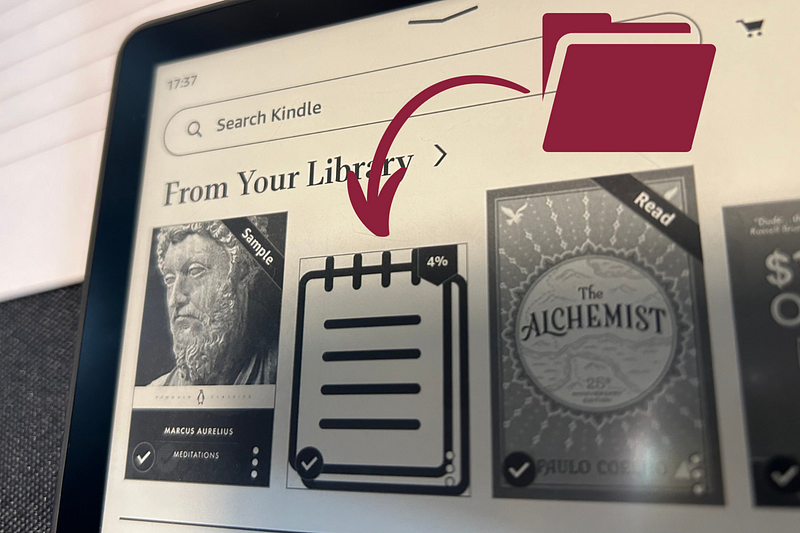
If you own a Kindle read on!
I often found myself needing to jot down notes and ideas while reading in bed on my Kindle. Having an actual notebook seemed impractical so I decided to use my Kindle. Before, if an idea popped into my head I would make a note in the specific book I was reading, but because I often read more at any given time the notes were all over the place. So I made an organized notes file.
It has already come in handy, so I thought I’d share this life hack.
The solution is that I made and imported a notes file to my Kindle to make it more organized.
Below is the the file so that you can send it to your Kindle.
How to do it on your own (if you want to do it differently)
- Make ChatGPT write numbered notes (Note 1., Note 2., Note 3., …)
- Make a Word document with the words Note 1., Note 2.,.. and export it as PDF and send it to your Kindle.
If you want a fancy cover:
- Download Calibre from this link (https://calibre-ebook.com/)
- On Calibre click Add Book and choose the PDFfile
- Then right-click on the added PDF file and click edit metadata — edit metadata individually
- Then on the change cover settings click browse and choose a cover then close the metadata
- Right-click on the file and click connect/share and email it to your Kindle mail
- Now you should see it on your Kindle
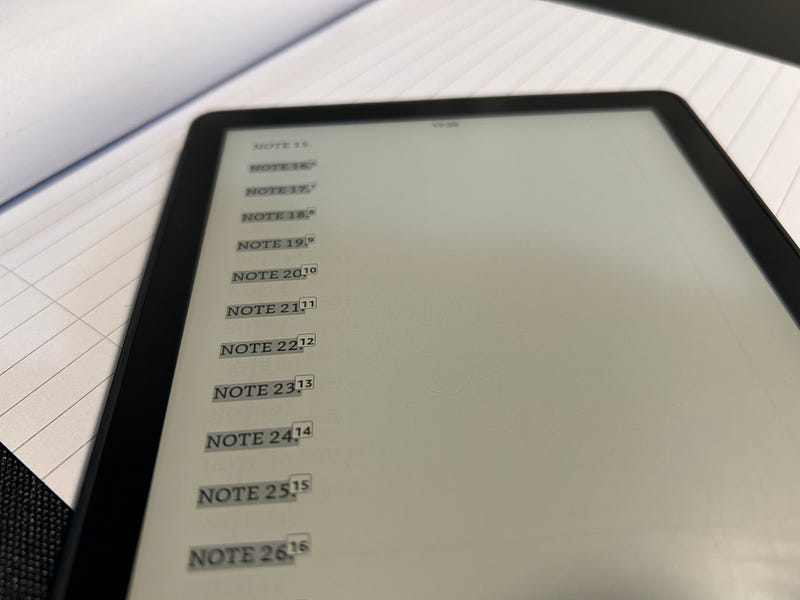
How to use it:
Highlight Note. 1 (or whatever number) and add a note — now you have organized notes on your Kindle
If you want to copy your notes you can access them easily from the Kindle app
There are some inconveniences:
The note section is pretty small. And some letters like “ž” are not accessible.
If you know a better way to use a Kindle as a note-taking tool please comment your idea!
 Nejc Grcar Project Blog
Leave a comment